One workspace for pages, sales and follow-up.
Funnels and websites, checkout, CRM, automations, email, reports and a member area share one database. Here is what is in it and how it is put together.
The modules
- Funnel builderBuilt and testedFunnel map, block page editor, checkout with order bumps, one-click upsells, websites, blog and custom domains.Details
- CRM and automationsBuilt and testedContacts with source and consent, pipelines, a workflow builder with approvals, email campaigns and one-to-one follow-ups.Details
- Revenue intelligenceBuilt and testedRevenue by source, campaign and funnel with first and last touch, ad spend, cost per customer, refunds and margin.Details
- Conversion labBuilt and testedA/B tests with sequential statistics, funnel diagnostics with evidence, personalization rules by source, device and language.Details
- Lead rescueBuilt and testedUnassigned leads, missing first replies, overdue follow-ups, stalled deals and open checkouts, with notices, escalation and response times.Details
- AI business architectBuilt, needs your account to go liveAn AI planning assistant for funnels and sales processes, with stated assumptions and confidence. Uses your Anthropic API key.Details
- Courses and communitiesBuilt and testedMember portal with courses and communities, access from purchases, an affiliate program and a template library with marketplace.Details
Who sits where
An installation has a platform owner. Below the owner sit operators, below an operator agencies and businesses, below an agency its client workspaces. Branding is inherited downward, and the closest level wins.
- A workspace holds one business: its funnels, contacts, orders and team
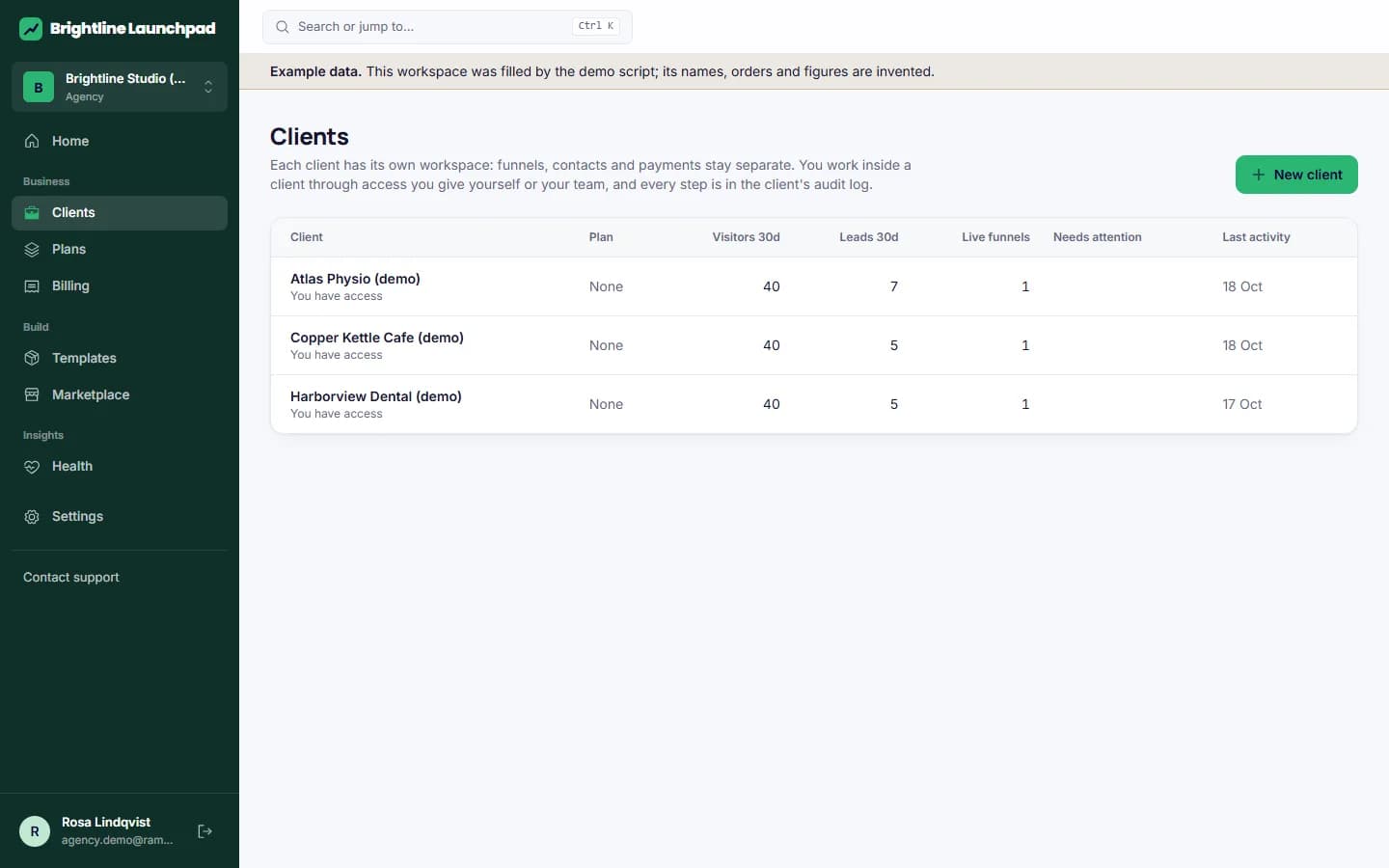
- An agency manages client workspaces with staff assignment and time-boxed support access
- An operator sells plans to agencies and businesses under its own brand
- The platform owner issues licenses and sees operating costs and margins
How it is built
Separated by the database
Every tenant table has row-level security in PostgreSQL. Tests prove that one workspace cannot read or write another's rows, even with a bug in the application code.
Work happens in the background
A job queue in PostgreSQL runs emails, workflows, webhooks, reminders and sweeps with retries, backoff and a visible failed state. A heartbeat shows the worker is alive.
Plain, portable stack
Next.js, TypeScript and PostgreSQL 17. One Docker image runs the app and the worker; Caddy issues certificates for customer domains. No proprietary cloud service is required.
Nothing stored as HTML
Pages are validated documents rendered by the application. Custom code runs in a sandboxed frame and needs its own permission.
Audited where it matters
Publishing, exports, support access, license changes and permission changes are written to an audit log per organization.
Moves between installations
A workspace exports with its files and imports on another installation, without passwords, sessions or provider credentials.
More in the installation guide and the implementation status.
See it with example data, then build your own.
The demo opens a complete workspace: funnels, contacts, orders, a running A/B test. Nothing to install, nothing to sign.