Every client in its own workspace, all of them in one console.
Funnels, contacts and payments stay separate per client. You see their live funnels, leads, incidents and approvals in one list, and work inside a client only with access you give yourself or your team.
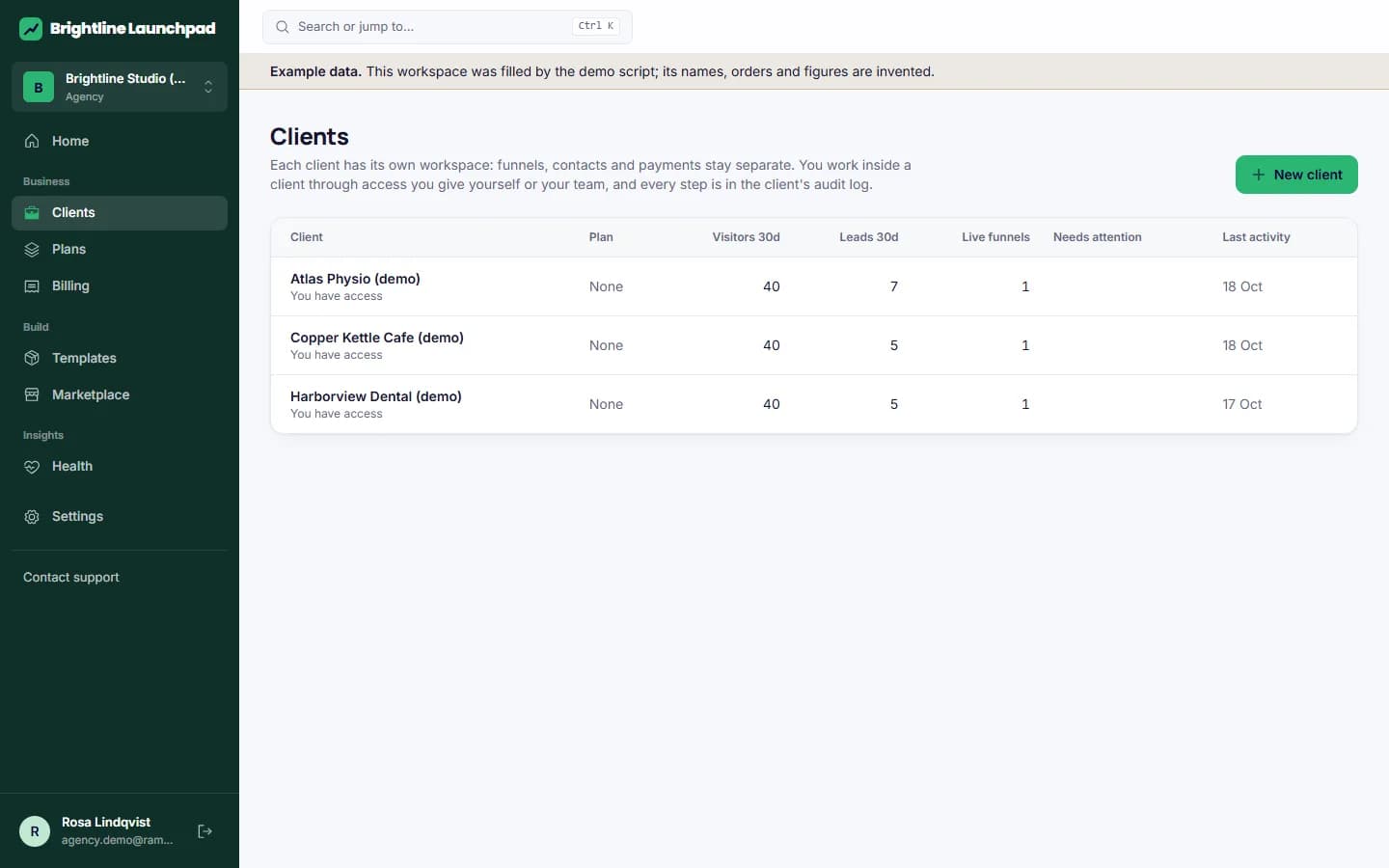
The client list you check each morning.
Plan, members, live funnels, leads and visitors in the last 30 days, open incidents and pending approvals per client. Create a client and its owner gets an invitation; your agency keeps admin access.
- Assign staff per client with a role
- Support access for a set time, with a reason, an audit entry and a notice to the owner
- Roll out a funnel to several clients at once
- Duplicate a workspace: funnels, pipelines, templates, fields, scoring and workflows as drafts, without contacts
- Client report, suspend and reactivate
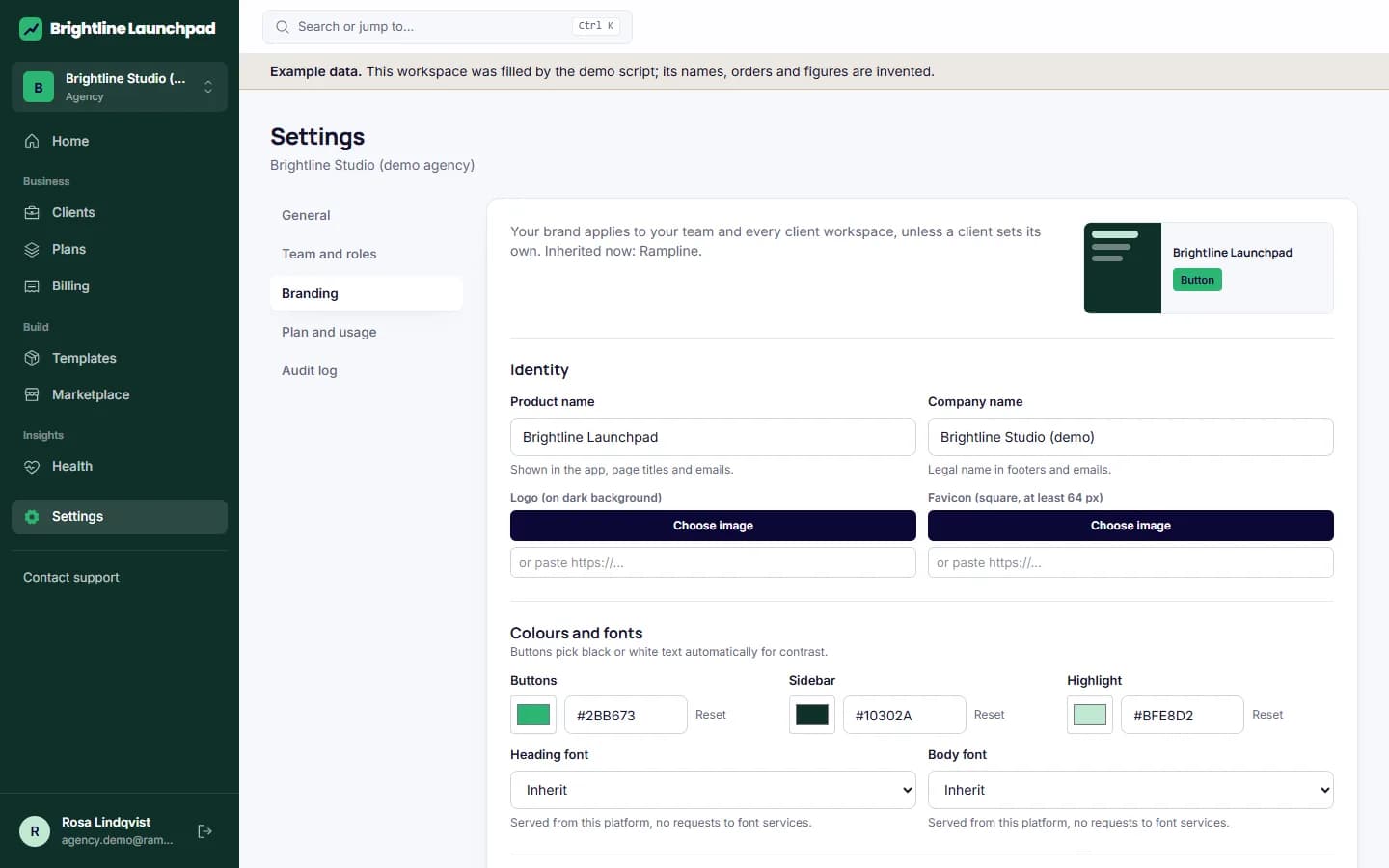
Your brand on every screen your clients see.
On a plan with the white-label flag, set the product name, logo, favicon, colours, fonts, login text, support address, help and legal links, the sender of transactional email and your own app domain. Clients sign in at your address and never see ours.
Approvals the client decides
The agency asks, the client's owner approves or declines. Agency and support members cannot approve on the client's behalf, which keeps sign-off where it belongs.
Plans and invoices for your clients
Agencies sell their own plans to clients with limits and usage prices. Invoices are created at the end of each period with the base price and usage above the limits, numbered per seller and printable.
What it does not do yet
- Invoices are collected by hand (marked paid); card billing for platform plans is not connected
- No tax lines on platform invoices
- Email alerts for limits, overdue invoices and incidents: notices appear in the app only
Look at it with a client list.
The demo shows a business workspace. For a walk through the agency console with example clients, write to us.