Your servers, your data, no phone-home.
The independent edition runs on your own infrastructure with Docker. The license is checked offline against a public key; nothing switches off remotely.
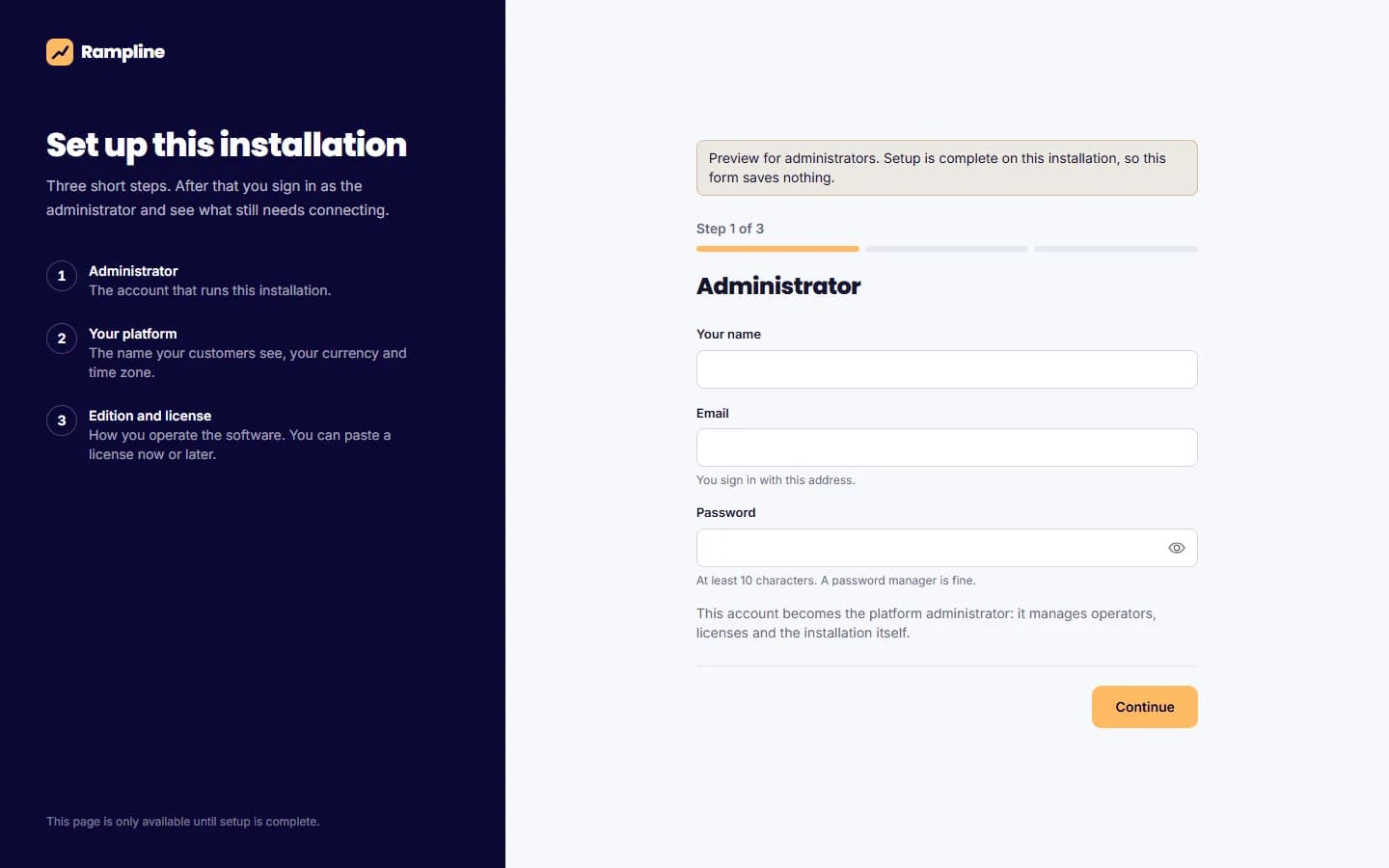
Three steps on first start.
A fresh installation opens a setup wizard protected by a token from your environment or the server log. Create the administrator, name the platform, choose currency, time zone and edition, paste the license. Everything is written in one transaction.
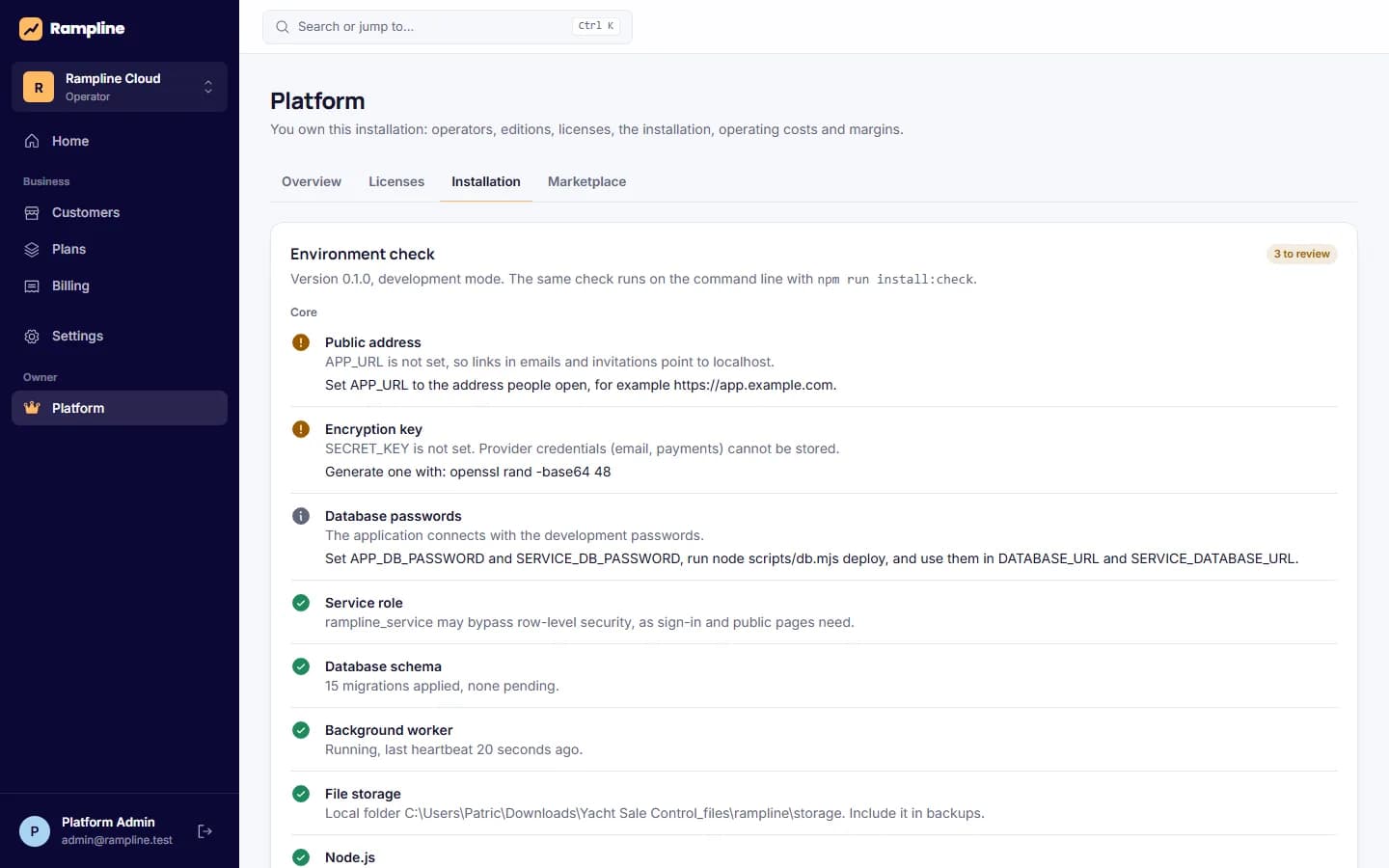
A checklist that tells you what to fix.
The installation page and npm run install:check test the public address, secrets, database passwords, the service role, migrations, the worker, storage, email, payments, AI, the proxy, the license and the Node version. Each problem comes with its fix.
A smoke test publishes a funnel, submits a form and pays a test checkout over HTTP, waits for the worker, then deletes everything again.
What ships
- Dockerfile and docker-compose with PostgreSQL 17, app, worker and Caddy
- On-demand certificates for verified customer domains
- Migrations applied under a lock on every start
- Backup, restore and upgrade scripts
- Workspace export and import between installations
- Release packages as tar.gz with a SHA-256 checksum
- Third-party dependency register with licenses
- Installation, operations and transfer guides
- CI workflow: lint, types, tests, clean install, build
- Source code license or full asset transfer available
Not proven yet
- The Docker image has run on a real server with domain, certificates and a backup and restore drill; docker compose with Caddy has not yet run on a plain Linux server
- The backup shell scripts for docker compose have not been run end to end
- Updates arrive as release packages; there is no in-app update notice
Requirements
- A Linux server with Docker and Docker Compose
- A domain for the app, DNS you control
- An SMTP, Resend or Postmark account for email
- A Stripe account if you take payments
Details in the installation guide and operations guide.
Run it yourself.
Tell us where it will run and how many workspaces you expect. We answer with the license terms.